CONTENT / 01
Switch Between Sports and Casino Without Leaving
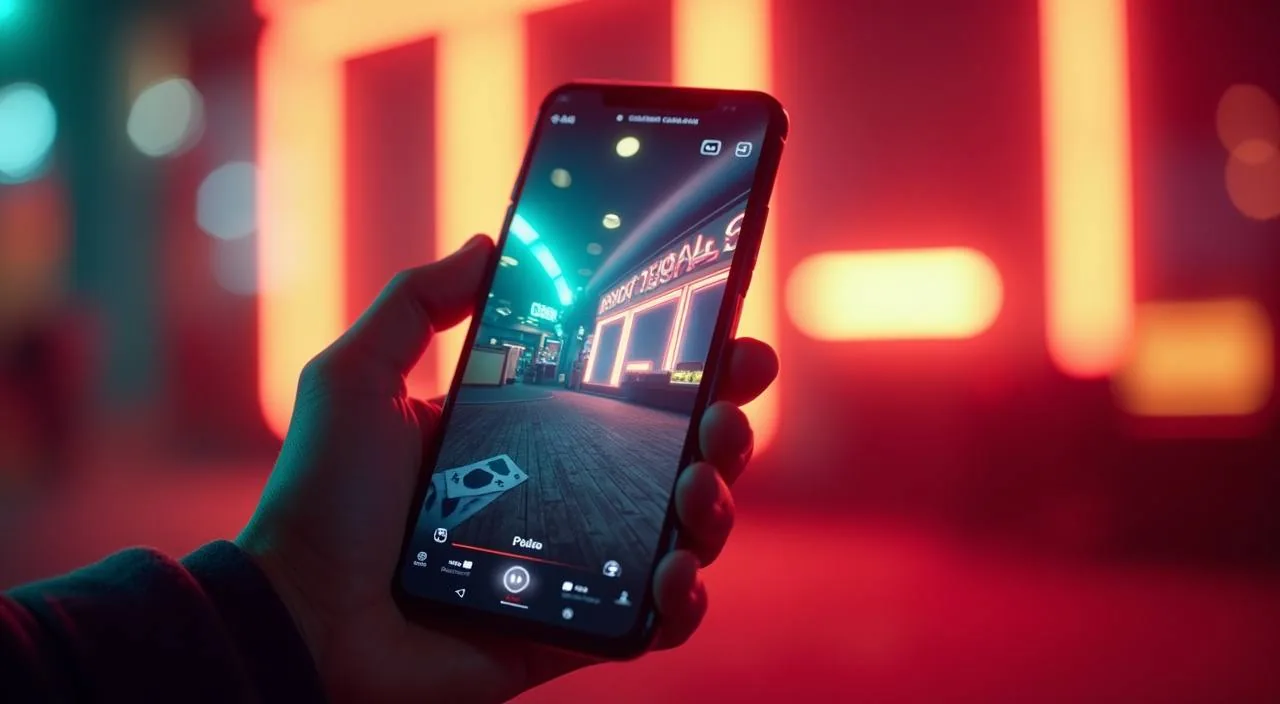
The showcase rail at the top of the lobby lets you move from an open cricket market straight into a live dealer session or a crash game — all within the same signed-in account. To move between sections, use the navigation tabs visible at the top of the lobby rail rather than pressing the browser back button — this keeps your session state intact and returns you to the same market or game table you left. If you have a sports bet already placed, you can monitor its status from the bet slip panel while simultaneously viewing a live dealer table, since both panels load within the same browser window.
-
Cricket GoalBet
Cricket GoalBet sits in the sports-facing section of the lobby. When a live cricket fixture is running, this market moves to the front of the showcase rail so you reach it in one tap from the home screen.
-
Crash Wildspin
Crash Wildspin is available in the crash-game category and loads directly from the lobby without a separate install. It is one of the titles the showcase surfaces when the sportsbook section is between live fixtures.
-
Football BalMoney
Football BalMoney bridges the sports and game sections of the lobby. It appears in the showcase during active football periods and can be reached through the sports category filter as well as the main game rail.
CONTENT / 04
dy999 lobby studios
The dy999 lobby carries content from CQ9, PlayStar, JDB, Spadegaming. To check the studio, rules or features of one specific game, open that game card or the published information panel.
-
CQ9
-
PlayStar
-
JDB
-
Spadegaming
CONTENT / 02
Explore Every Casino and Slot Category
The lobby holds slots, live casino tables, crash games and classic table formats in one browsable space. Filter by category or studio to narrow the view, and use the search bar to reach a specific title directly. RTP details appear on individual game screens where the provider publishes them.
CONTENT / 03
Access dy999 from Any Mobile Browser
The dy999 platform is designed to run in a mobile browser without a dedicated app download. Open dy999 in Chrome, Firefox or your device's default browser on Android or iOS and the layout adjusts to the screen size automatically.
-
Browser-Based Access
dy999 runs in your standard mobile browser without any download. Chrome and Firefox on Android both work; the layout scales to your screen size and keeps the full category navigation available — sports, live casino and slots all accessible in one session.
-
Home Screen Shortcut
Save dy999 to your phone's home screen through the browser's add-to-home-screen option. The shortcut opens the lobby directly without navigating through the browser address bar, and your session state carries over if you were already signed in.
-
Mobile Wallet Deposit
Depositing through bKash or Nagad from a mobile browser follows the same steps as desktop. The deposit page opens within your dy999 session; after confirming in your wallet app, the transaction reference appears in both your wallet history and your dy999 account panel.
 Casino / Mobile